Where the prices come from, and what has to be fixed
The software only uses adjusted close prices, and those frequently contain errors. This page covers the supported data providers, the cleaning pipeline, the local cache and the conversion path for portfolios quoted in more than one currency.

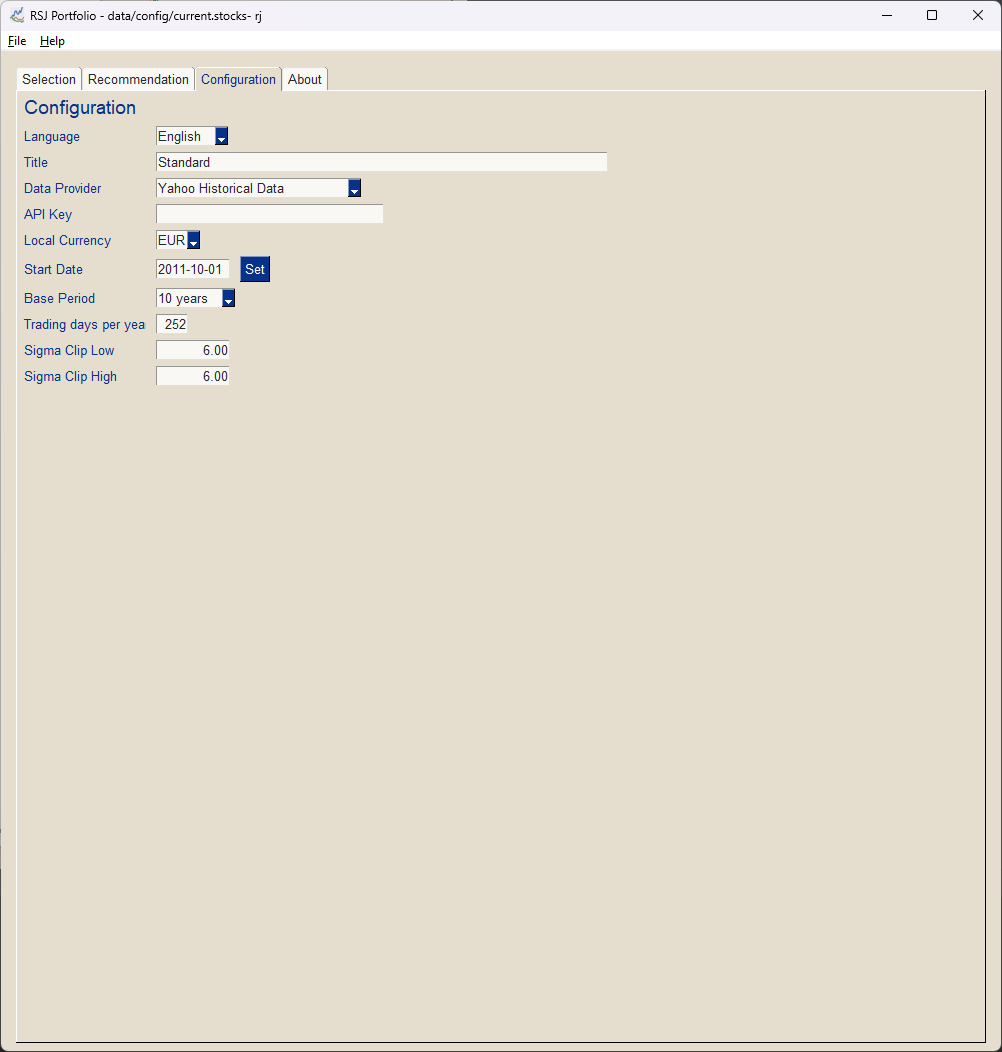
RSJ Portfolio — Configuration
Data cleaning
Every correction happens on the converted series, so outliers introduced by exchange rate gaps do not survive into the analysis.
✓
Data cleaning is done after currency conversion.
✓
Negative prices, zero prices and infinite prices are marked as invalid.
✓
Missing and invalid values are filled with linear interpolation.
✓
A maximum of 10 values each at the beginning and end are replaced with the preceding or following value.
✓
All values that differ by more than the configured number of standard deviations from the average are marked as invalid.
Multi currency support
A portfolio is rarely quoted in a single currency. RSJ Portfolio converts each series through USD into the local currency you configured.
- The currency of each stock is determined during search and stored.
- The development of the exchange rates of the local currency against the USD is downloaded if a local currency is configured.
- The development of the exchange rate of the stock specific currency against the USD is downloaded as well.
- Missing values in the exchange rates are filled with linear interpolation.
- An exchange factor from stock currency to local currency is calculated from this and used for the actual conversion.
All amounts are first converted into USD, then the USD amount is converted into the local currency.
Data providers
Yahoo Finance
Free, but only available for personal use.
End of Day Historical Data
Paid offering requiring a subscription that provides you with an API key. Well suited to commercial use.
Provider and currency settings are described in the configuration chapter of the user guide, and on the getting started page.
Adjusted close only
The software only uses "Adjusted Close" prices — the price after all stock splits and dividends have been applied. That is also why the series need cleaning: adjusted values frequently contain errors.
Prices are cached
Loaded prices are stored in a cache file in the data/cache directory of the application, so repeated optimizations do not re-download the same history.
Configuration lives in JSON
Configuration parameters are stored in the file portfolio.json in the data/config directory of the application, next to the cache.
Where to go deeper
Methods & features
Allocation methods, risk models, return models and the parameters that constrain them.
Methods and features →Getting started
Requirements, configuration, a step by step walkthrough and the results you get.
Getting started →Blog
Background articles on the optimizer, the data and the methods, from the team building it.
Product blog →